

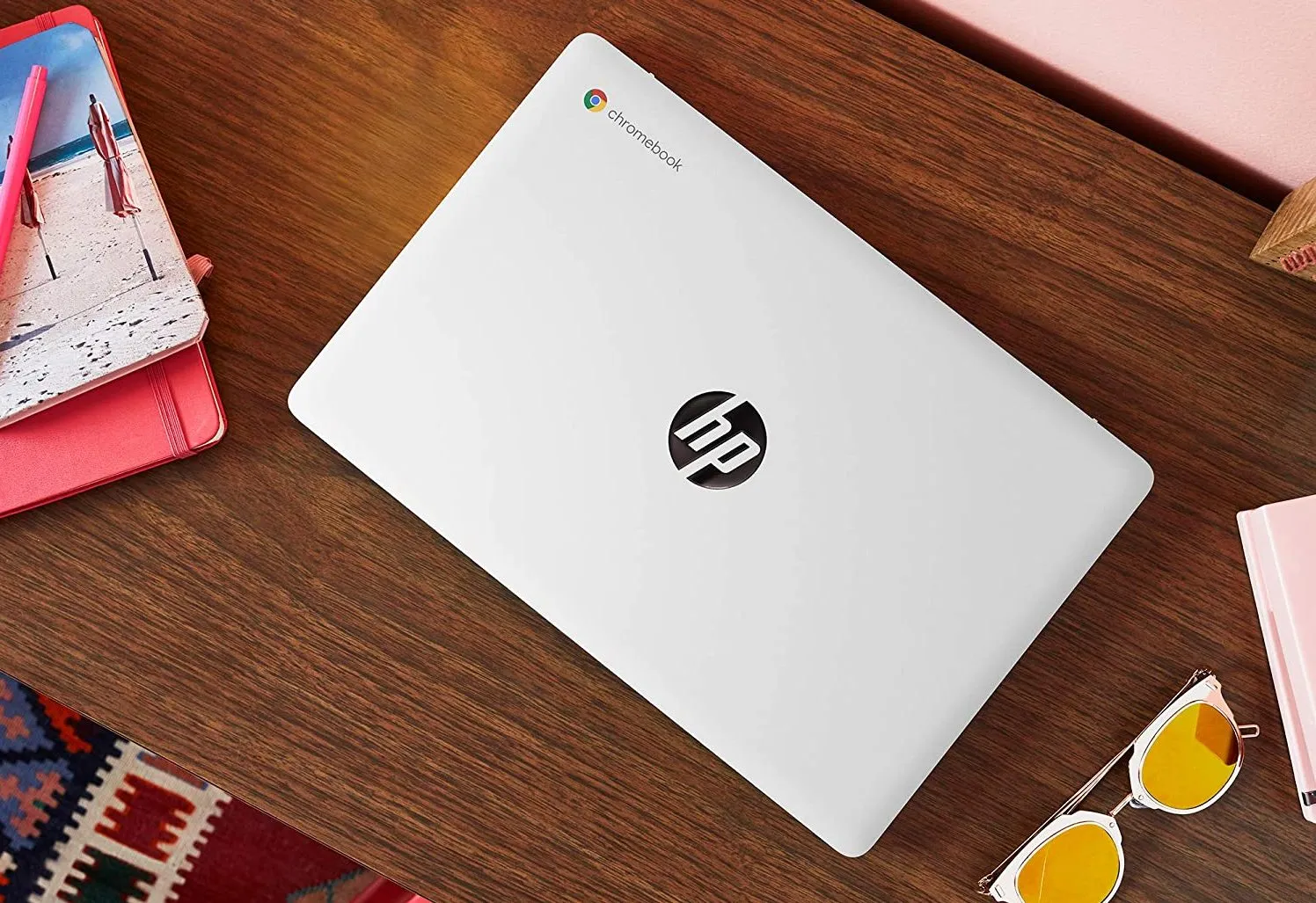
HP Chromebook 14a offers balanced performance, compact design, and value-focused pricing. Designed for students, professionals, and casual users, this Chromebook combines productivity, portability, and durability in one lightweight package. Its streamlined Chrome OS interface ensures faster boot times, efficient multitasking, and consistent system performance.
The model stands apart in the budget segment through its Intel Celeron processor and sleek construction, providing reliable performance for daily computing tasks. With growing demand for cloud-based devices, Chromebooks have gained attention as dependable digital tools for education and work environments.
HP’s inclusion of expandable storage and long-lasting battery capabilities enhances user flexibility across multiple scenarios. Beyond specifications, user experience remains fluid and responsive during web browsing, media playback, or document editing. The following sections highlight build quality, performance aspects, display clarity, and competitor comparisons that define the HP Chromebook 14a’s true potential.
HP Chromebook 14a Overview
The HP Chromebook 14a comes at Rs. 27,999, integrating Intel Celeron N4020 CPU with 4GB RAM and 64GB internal storage. Storage expansion remains possible via memory card support. Its 14-inch HD panel offers crisp visuals, maintaining vibrant color output during streaming or productivity sessions. Chrome OS provides consistent updates, ensuring system security and sustained operational fluidity.
Build Quality and Design
Crafted with precision, the HP Chromebook 14a maintains durable construction while keeping overall weight minimal. The keyboard layout supports comfortable typing, offering spacious key travel for prolonged sessions. Smooth hinge motion allows effortless screen adjustments, while subtle aesthetics maintain a professional exterior. Port placements facilitate convenient connectivity for peripherals and accessories.
Display Experience
The 14-inch HD display enhances clarity for both educational and entertainment purposes. Balanced brightness levels provide usability under indoor lighting and moderate outdoor exposure. Color tones remain natural across different angles, delivering steady contrast for media streaming or online collaboration. Visuals retain sharpness even during multitasking across browser tabs and apps.
Performance Analysis
Intel Celeron N4020 ensures consistent responsiveness for essential computing. Chrome OS optimization supports faster boot cycles, smoother application transitions, and stable memory usage. The 4GB RAM handles light workloads efficiently, suitable for document creation, online meetings, and browsing activities. Integrated Intel graphics process visuals effectively without consuming excessive power resources.
Battery Endurance
Power efficiency defines Chromebook success. HP Chromebook 14a sustains extended operational hours through optimized battery management. Chrome OS minimizes background usage, preserving charge during idle states. Portable users gain uninterrupted functionality throughout work or learning sessions without constant recharging interruptions.
Key Power Benefits:
- Enhanced battery optimization under Chrome OS
- Consistent backup for productivity sessions
- Reduced heat emission during heavy usage
- Fast charging compatibility ensuring minimal downtime
Storage and Expandability
Internal 64GB eMMC storage accommodates essential files while maintaining quick access speeds. Cloud storage integration simplifies file management using Google Drive and related applications. For users requiring additional capacity, microSD expansion enhances versatility without compromising device portability.
Connectivity Options
HP Chromebook 14a integrates USB-A, USB-C, audio combo jack, and microSD slot for wide compatibility. Wireless performance remains stable through Wi-Fi and Bluetooth connections. Peripheral support includes external displays, drives, and docking units, increasing usability across diverse environments.
Lenovo Duet Chromebook Overview
Lenovo’s Duet Chromebook serves as a compact convertible at Rs. 26,999, appealing to mobile users requiring tablet functionality. With its 10.1-inch detachable screen and integrated kickstand, flexibility becomes its primary strength. Chrome OS remains equally efficient on this smaller platform, maintaining responsive control through both touch and keyboard interfaces.
Performance and Display
MediaTek MT8183 chip ensures balanced performance for light to medium workloads. Display quality stays vibrant due to its compact full-HD touchscreen. Detachable keyboard construction enables easy transitions between laptop and tablet modes, supporting creativity, note-taking, and streaming needs.
Feature Highlights:
- Convertible form factor for dual-mode operation
- Compact frame ensuring portability
- Strong battery support enhancing mobile usability
- Responsive touchscreen delivering fluid interaction
HP Chromebook 11a Overview
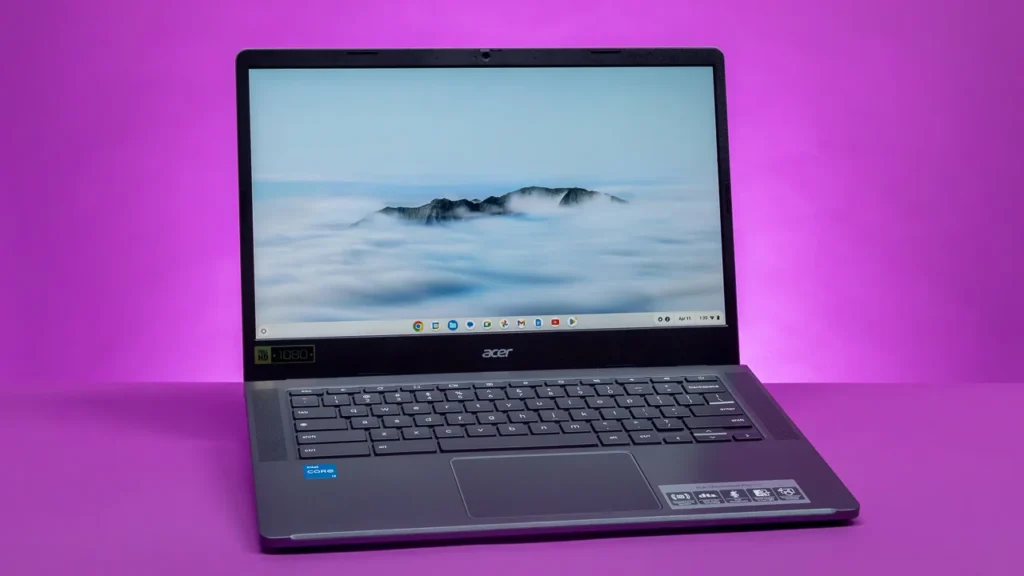
The HP Chromebook 11a stands as another accessible choice featuring MediaTek MT8183 SoC, 4GB RAM, and a battery promise of up to 16 hours. Compact form design targets educational sectors, offering effortless mobility and enduring backup performance. Its efficient architecture ensures balanced energy consumption and dependable processing speed.
Utility for Students
Lightweight design, cloud-focused storage, and extended battery life collectively enhance student workflow. Chrome OS interface simplifies learning resource access, promoting productivity across connected applications. Seamless integration with Google Workspace further supports assignments, presentations, and collaboration.
Asus Chromebook Series Overview
Asus maintains multiple Chromebooks designed for everyday adaptability. Among them, the Chromebook Flip garners attention through its 360-degree rotating keyboard, allowing transition between notebook, tent, and tablet orientations.
Performance and Build
Asus Chromebook Flip merges solid hinge stability with elegant design. Various screen sizes serve multiple audiences, ensuring optimal comfort across tasks. Its configuration promotes balance between energy efficiency and system agility, making it suitable for educational, professional, or casual contexts.
Notable Attributes:
- 360-degree rotation for multiple usage angles
- Consistent performance through optimized hardware
- Elegant exterior ensuring durability
- Versatile compatibility for different workflows
Comparison and Value Assessment
HP Chromebook 14a maintains equilibrium between affordability and everyday utility. Compared to Lenovo Duet and Asus Flip, it offers a larger screen, better typing comfort, and straightforward expandability options. Lenovo appeals to portability seekers, whereas Asus attracts flexible design enthusiasts. HP’s blend of features ensures dependable performance within its price class.
Ideal User Profile
HP Chromebook 14a targets users requiring reliable processing, long battery life, and durable structure. It supports academic, professional, and personal computing scenarios without complications. Frequent travelers benefit from light weight, while classroom environments profit from ease of use and security-focused Chrome OS framework.
Main Advantages:
- Balanced combination of design and function
- Expandable storage supporting diverse needs
- Efficient processor for basic computing tasks
- Competitive pricing enhancing accessibility
Operating Experience
Chrome OS ensures simplicity, speed, and safety through automated updates and integrated protection layers. Interface clarity promotes faster navigation, while cloud synchronization enables access from any connected location. Regular updates maintain security, protecting personal and institutional data effectively.
User Interaction
Touch gestures, keyboard responsiveness, and trackpad accuracy enhance comfort across extended sessions. Smooth scrolling and quick application response elevate the daily workflow. Integrated Google services streamline scheduling, communication, and file access within the system ecosystem.
Conclusion
HP Chromebook 14a exemplifies dependable functionality through efficient design, balanced components, and seamless Chrome OS optimization. Enhanced battery support, clear display, and solid construction create superior usability for education and remote productivity. Competitors bring innovative formats, yet HP’s focused execution ensures lasting reliability and genuine performance advantage across essential computing needs.
