

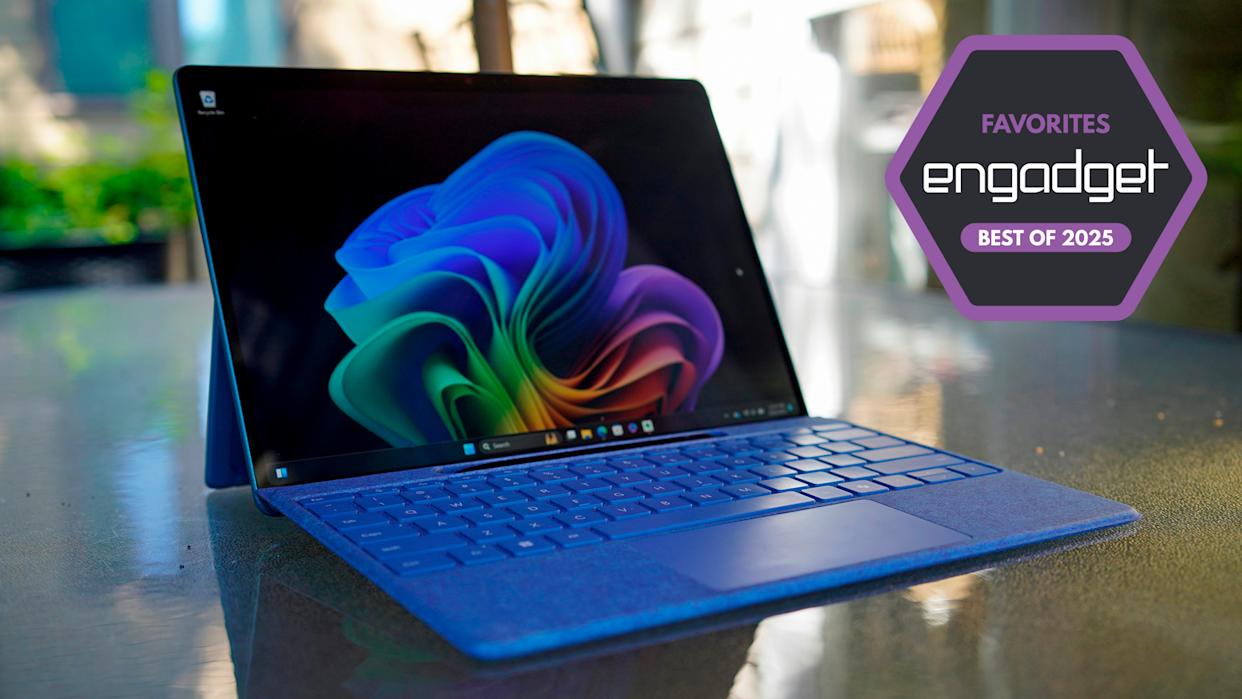
Microsoft’s conclusion of Windows 10 support marks a major transition in the computing landscape. Though an Extended Security Update extends protection until 2026, it serves only as a temporary measure. Modern systems now provide enhanced security, AI assistance, and speed beyond what older machines can deliver.
Upgrading means smoother multitasking, longer battery life, and better compatibility with the latest software. Copilot+ features like Recall and Studio Effects give users new levels of automation and creativity. These functions depend on modern processors and architectures found only in the latest models.
Professionals, students, and home users benefit equally from this technological shift. New devices deliver higher performance, smarter efficiency, and a future-ready experience. Below are the top computers offering strong replacements for outdated Windows 10 hardware.
Best Windows 10 Laptop Replacements
Surface Laptop 13.8-inch
Powered by Snapdragon processing, the Surface Laptop achieves outstanding mobility and efficiency. Its battery lasts up to 17 hours while maintaining smooth, quiet operation. The lightweight aluminum body offers a sleek design built for daily professional use. Enhanced AI integration ensures faster workflow and responsive system performance in any environment.
- Long battery endurance
- Fanless and silent cooling
- Lightweight aluminum construction
- AI optimization for multitasking
Dell 14 Premium
The Dell 14 Premium showcases refined craftsmanship and next-level visual quality. Its vivid OLED display and invisible trackpad create a modern, minimalist experience. The capacitive key layout provides precision and comfort during extended work sessions. Its efficient cooling system and solid internal performance make it ideal for creative professionals and power users.
ASUS ZenBook S 14
The ZenBook S 14 highlights ASUS’s mastery of innovation, combining lightweight portability with exceptional power. The durable Ceraluminum chassis feels premium yet remains easy to carry. A vibrant OLED screen ensures lifelike visuals, while smart energy control extends usage hours. Multiple ports add flexibility, enhancing productivity on the move.
Apple MacBook Air (M-Series)
Apple’s MacBook Air remains a benchmark for speed and reliability. The M-series chips deliver powerful multitasking performance while staying cool and silent. Its fanless structure supports intensive workloads without noise, and macOS integration boosts seamless connectivity. The balance between endurance, performance, and minimal design makes it an industry leader.
Best Windows 10 Desktop Replacements
Dell Slim Desktop
Compact yet capable, the Dell Slim Desktop offers strong everyday performance in a space-saving build. Its internal design supports RAM expansion and graphics upgrades for evolving workloads. The quiet fan and energy-efficient system allow stable use across extended hours, making it a smart fit for both office and home setups.
- Customizable RAM and storage
- Compact design for limited spaces
- Quiet operation with efficient airflow
- Reliable productivity performance
Apple Mac Mini
The Apple Mac Mini combines speed and elegance in a small frame. Its Apple Silicon chip ensures strong multitasking, while maintaining low energy usage. Compatible with existing monitors and peripherals, it fits easily into any workspace. Ideal for professionals needing dependable power within a minimalist setup.
Geekom A6 Mini
The Geekom A6 Mini brings performance and affordability together. Powered by the AMD Ryzen 7 6800H, it handles daily tasks, creative projects, and light gaming efficiently. Its quiet cooling, compact design, and 16GB RAM make it a dependable mini desktop for home or business environments.
Custom Performance Builds
Custom desktops give users complete control over their computing experience. Choosing specific CPUs, GPUs, and cooling components tailors performance for unique needs. These builds ensure flexibility, easy upgrades, and long-term reliability for gaming, design, or productivity-based workloads.
Choosing the Ideal Replacement
Evaluating Performance Needs
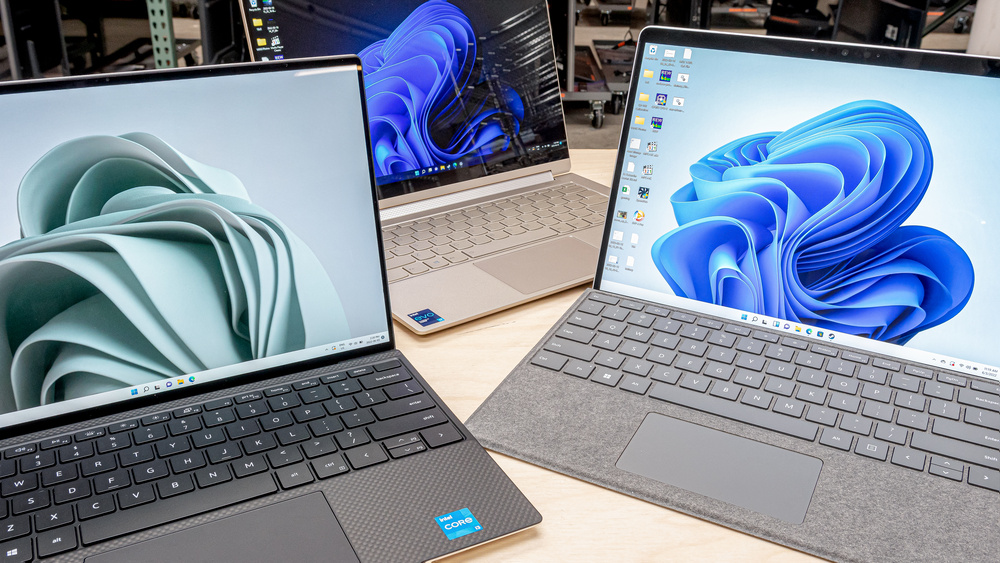
Different workloads require different capabilities. Casual users prioritize efficiency and battery life, while power users demand higher memory and processing strength. Assessing workload requirements guarantees smooth operation and system stability.
Prioritizing Portability
Professionals and travelers benefit from light, durable systems with extended battery life. Thin designs paired with high-performance hardware enhance productivity anywhere, supporting modern hybrid work styles.
Considering Future Software Demands
AI-driven systems and frequent software updates demand future-ready hardware. Investing in Copilot+ compatible devices ensures long-term software adaptability and superior performance longevity.
Balancing Price and Quality
Finding value without sacrificing reliability is essential. Many mid-range models now equal premium systems in performance and quality, delivering cost-effective durability for years of use.
Integrated FAQ Section
Can I continue using my Windows 10 PC after support ends?
Yes, but security updates will stop, increasing vulnerability. Extended updates provide short-term protection, but upgrading guarantees long-term safety.
Is upgrading to Windows 11 on old hardware worthwhile?
Older devices may run Windows 11, but most lack Copilot+ features. New systems ensure smoother operation and future-ready AI functions.
Can Macs run essential Windows software?
Yes, through virtualization tools like Parallels or VMware. However, it requires extra setup and space, so checking for native Mac versions is easier.
Are Chromebooks or tablets valid replacements?
They suit basic tasks like browsing and streaming, but lack full Windows software support. Modern laptops and desktops offer broader capability.
What are key specifications for gaming systems?
For high performance, choose at least 32GB RAM, an SSD, and RTX 40-series or Radeon RX 9000 GPUs. Proper cooling ensures steady gameplay.
Performance Tips for New Systems
- Keep system drivers and firmware updated
- Enable AI optimization for better efficiency
- Clean air vents to maintain cooling
- Use cloud storage to manage space
Proper maintenance preserves speed and extends device longevity for years of smooth computing.
Conclusion
Replacing outdated Windows 10 PCs ensures stronger security, better performance, and seamless AI integration. Systems from Surface, Dell, ASUS, and Apple deliver innovation, endurance, and reliability for every user type. With faster speeds, smarter processing, and refined designs, these new computers redefine productivity, creativity, and efficiency—empowering users to work smarter and stay protected in the evolving digital age.
